



Choosing a thermostat for electric heating? Start with the connection of your appliance. Then choose wired or wireless and decide whether you want internet control. A Wi-Fi function in itself says nothing about the receiver or the electrical connection required.
Wired or wireless: two different connection routes
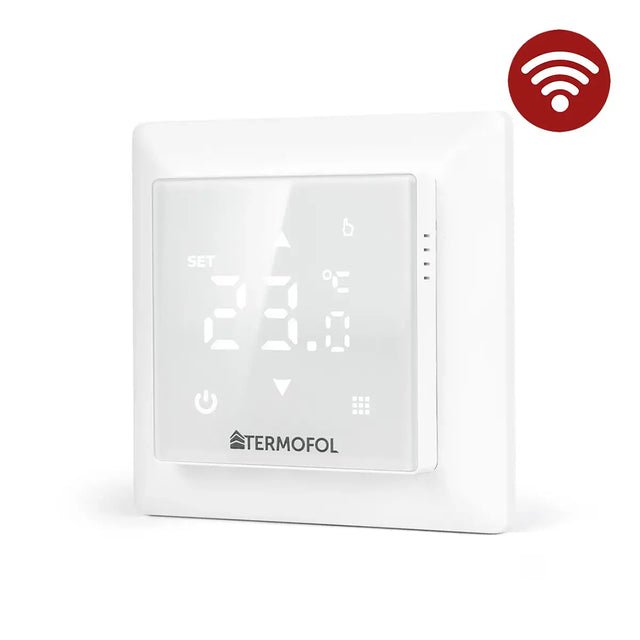
- Wired thermostats with WiFi: for an installation where the control is electrically connected. Check power supply, output type, and permissible load.
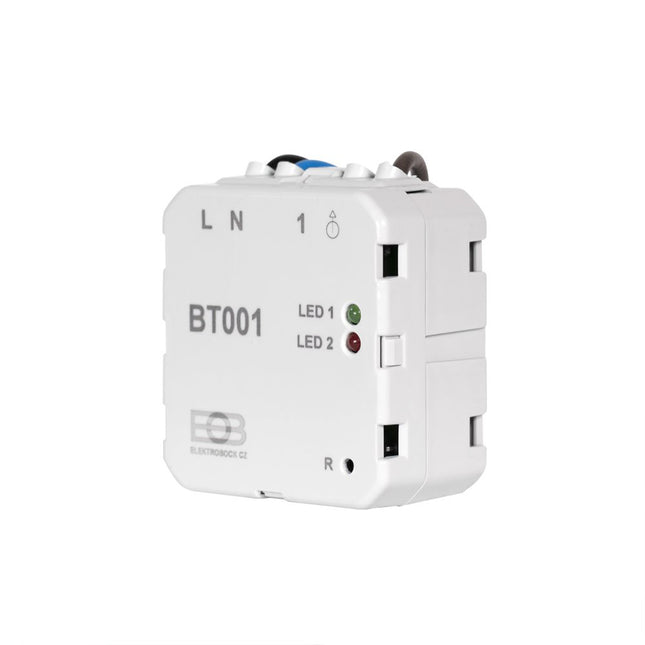
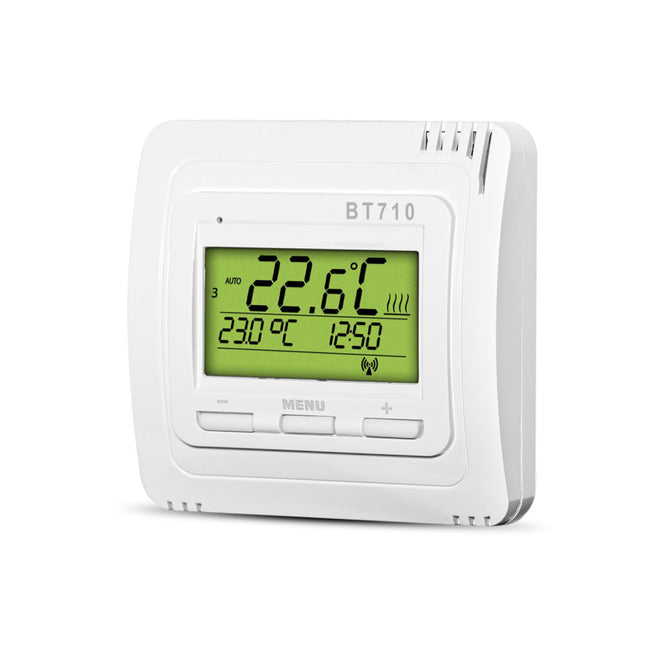
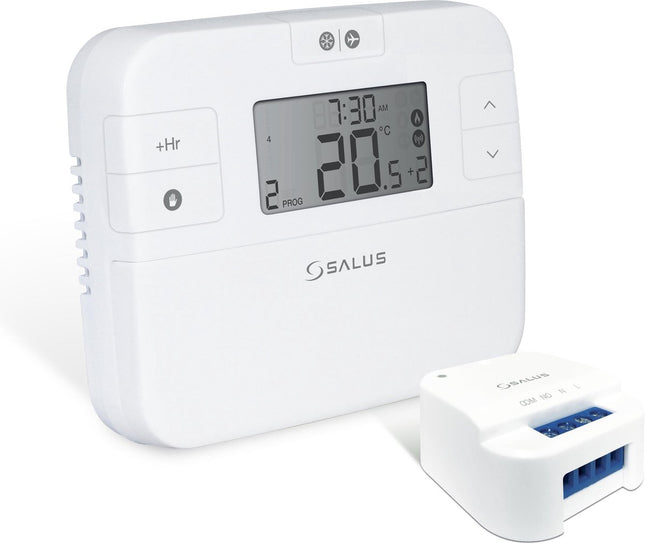
- Wireless thermostats with WiFi: the room thermostat communicates with a compatible receiver. That receiver still needs to be powered and connected to the heating system.
WiFi is not the same as wireless device control
The connection to your home network or app and the connection between the thermostat and receiver have different functions. Check per model whether Wi-Fi is built-in or a gateway is required, which network is supported, and which functions are available locally. A wireless set is not automatically a Wi-Fi set.
Two examples from the range
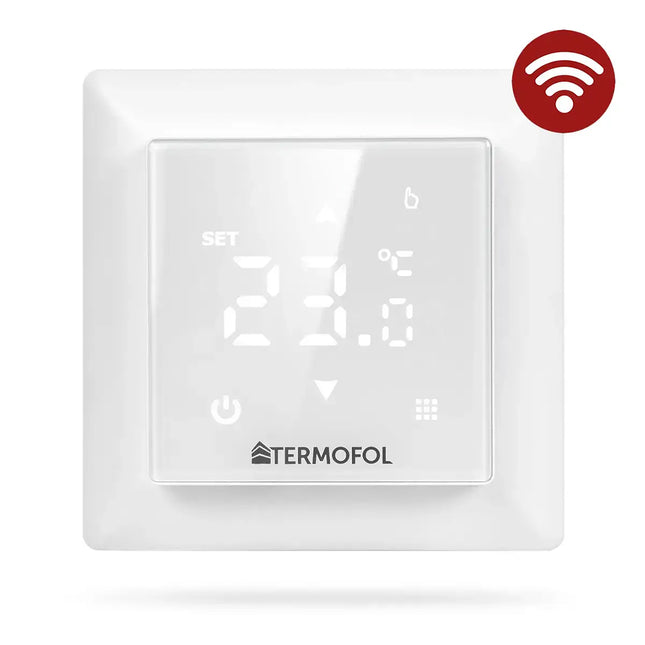
- Termofol TF-H6-WiFi-White: a built-in thermostat. Check the connection, sensor setting, and suitability for your heating system.
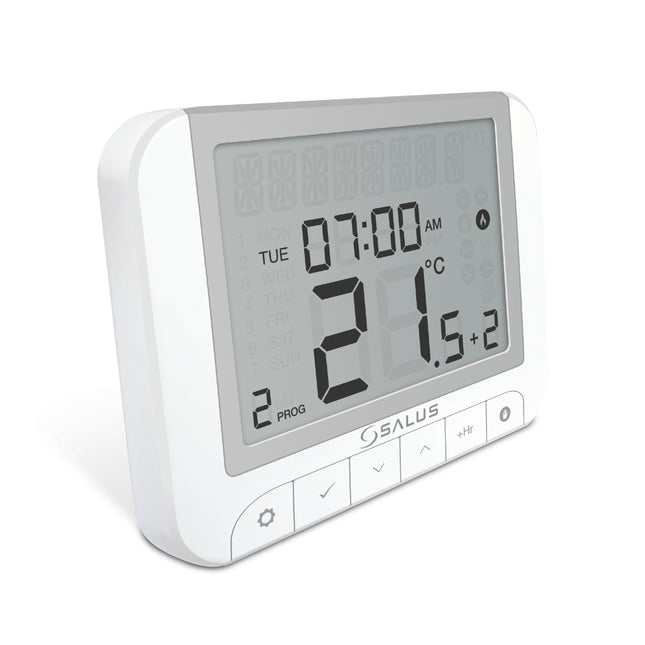
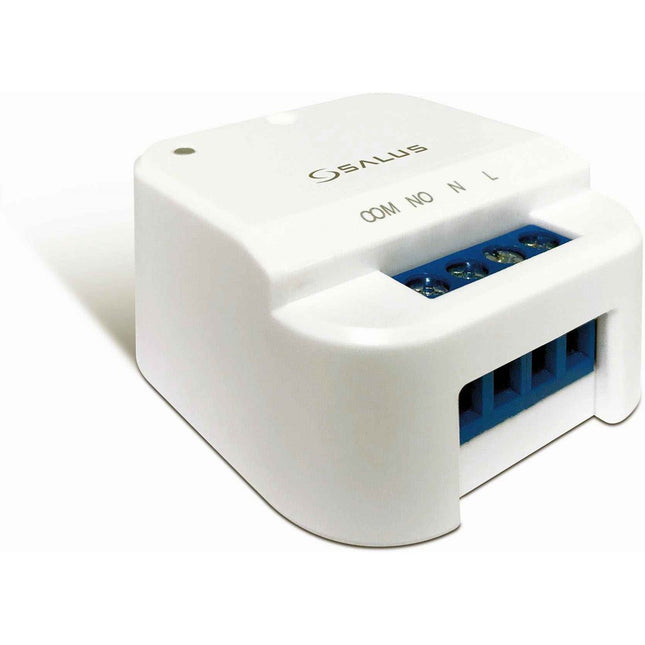
- SALUS WQ615RF thermostat set: the product description mentions a WQ615TX thermostat and WQ615RX receiver. When expanding, check the exact receiver model and the permitted configuration.
Check compatibility before ordering
- Note the make, model, and total power of the devices to be regulated.
- Check the output type and maximum load for the specific application. An identical voltage or radio frequency does not guarantee compatibility.
- Check whether you are ordering a separate thermostat, a separate receiver, or a complete set.
- For multiple panels, have the receivers, total load, and room control assessed as a whole.
- Have an installer determine the power supply, connection, and any additional wiring.
Are you looking for a device with built-in controls? View infrared panels with a thermostat. For heat at the workplace only, desk heating with a dimmer another choice.