

Thermostats control when electric heating switches on and when it switches off. As a result, the room temperature remains comfortable without an infrared panel or other device constantly operating at full power. You can choose from simple plug-in models, fixed wall controllers, wireless sets, and smart Wi-Fi solutions.
The best choice depends on the installation. Therefore, pay attention to the total power, the connection method, the number of zones, and the desired control. The location of the temperature sensor also determines how accurately a room is controlled. This selection guide explains the differences and prevents you from choosing a model that does not fit electrically or functionally.
How does a temperature controller work?
A room sensor compares the measured temperature with the set value. If it is colder than desired, the controller signals to heat. As soon as the upper limit is reached, the circuit is switched off again. With electric infrared heating, this is usually done using a relay or a suitable receiver.
Many models use a small switching band, also known as hysteresis. As a result, the system does not switch on with every minimal temperature change. For example: with a setting of 20 °C, the heat may start slightly below that value and stop slightly above it. The exact operation varies by product and setting.
A programmable control system adds schedules. This allows you to choose when a room should be warm each day. A smart version also offers control via an app, notifications, or integration with a home automation system. However, the basics remain the same: measuring, comparing, and switching safely.
Comparing thermostats: four practical types
Plug-in control for a socket
A plug-in model is suitable for a panel with a plug. You place the controller in a grounded socket and connect the heater to it. As a result, no permanent wiring is required. View the available plug-in thermostats if you want to quickly control a single heater.
Check the maximum switching capacity before use. Additionally, add up the power of all connected devices. Do not use a power strip to connect a load exceeding the capacity of the controller or wall socket. A plug-in model is particularly useful in a home office, guest room, rental property, or temporary setup.
Fixed wall control with wiring
A wired thermostat is mounted in a fixed location. The connection can directly switch a suitable load or control a relay, contactor, or receiver. As a result, the controls remain neatly in one central place. This type is well-suited for fixed installations in new construction or renovations.
Always consult the wiring diagram. Some models have a potential-free contact, while others supply a switched voltage. The number of wires, the supply voltage, and the maximum current also differ. Have the connection carried out by a qualified installer if you do not possess the required electrical knowledge.
Wireless set with receiver
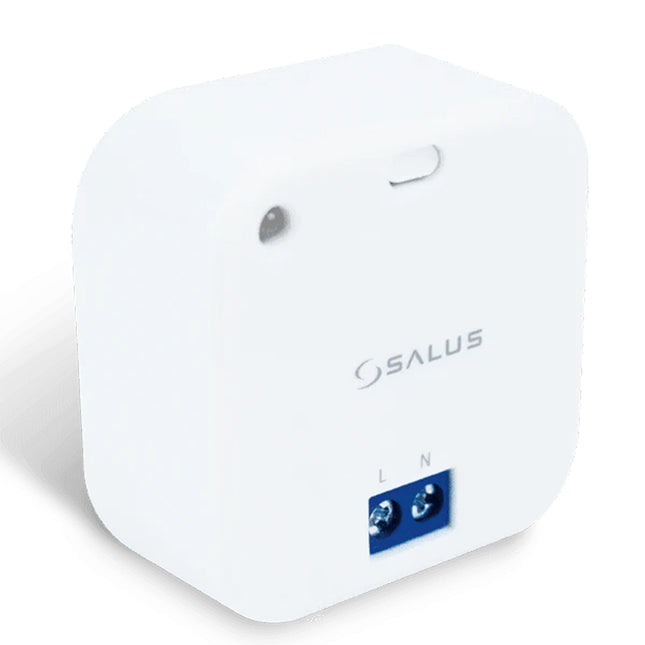
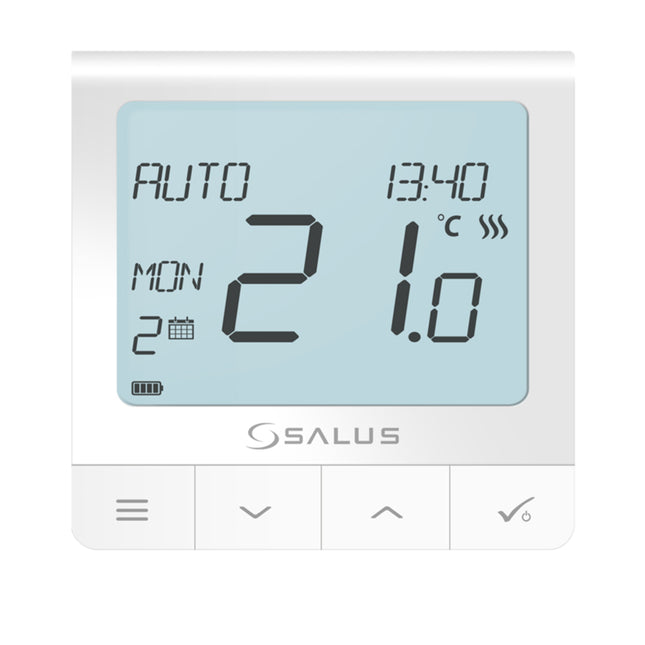
With a wireless set, the wall unit measures the temperature and sends a radio signal to a receiver. As a result, no new signal cable needs to be laid between the sensor and the heater. Within this collection, you will find solutions from Elektrobock and Salus.
Pay attention to the range through walls, floors, and metal structures. Furthermore, each receiver must be correctly paired with the respective zone. A wireless connection is different from Wi-Fi: the wall unit can communicate directly with the receiver without allowing control via the internet.
Wi-Fi control with app
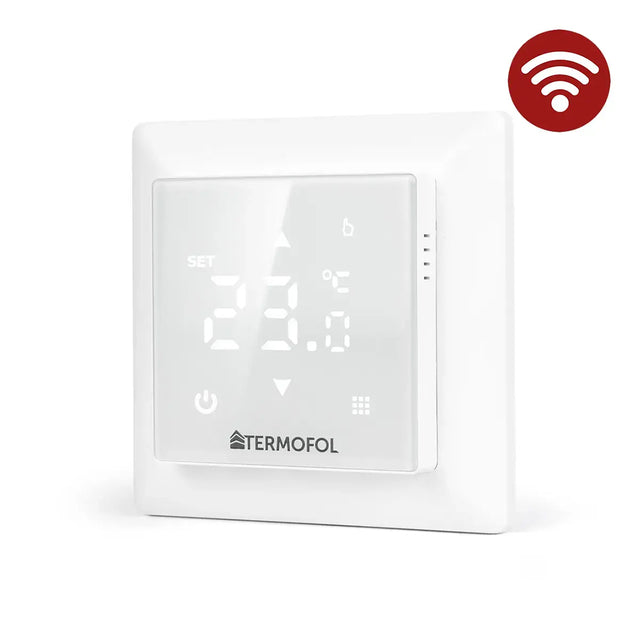
With wireless Wi-Fi thermostats, you adjust settings via an app. This allows you to change a weekly schedule, activate an away mode, or have a room heat up before you arrive home. However, do check whether the product works directly with Wi-Fi or requires a gateway.
For fixed wall mounting, there are also wired thermostats with Wi-Fi. Additionally, check which frequency your home network uses. Many smart heating products only connect to 2.4 GHz. For remote control, internet, a user account, and the availability of the corresponding service are required.
Temperature control with Shelly home automation
With Shelly home automation, you can combine suitable relays, sensors, and measurement modules. This enables schedules, local actions, and connections to external platforms. This is particularly useful when you want to centrally manage multiple electrical circuits or monitor consumption per zone.
The construction must remain electrically correct. A Shelly module is not a substitute for a suitable temperature sensor, protection, or contactor when the load requires it. Therefore, check the maximum switching capacity, the type of relay, and compatibility with the chosen integration. With high-power panels, the module can only control a correctly sized contactor.
Separate control unit or a panel with built-in controls?
Some heating devices already have the sensor and controls built in. Take a look at the infrared panels with thermostat. Such an all-in-one model requires fewer separate components. It is particularly practical when one device heats one room.
However, an external room sensor can provide more representative measurements. The sensor of a panel is located close to the heat source and sometimes higher on the wall. As a result, the measured temperature may deviate from the comfort level at sitting height. With a separate wall unit, you have more freedom to choose the measurement location and can manage multiple devices as a single zone, within electrical limits.
On-off, modulating, and OpenTherm: what suits electric heating?
An on-off control is suitable for many electric panels. The unit operates when the relay is closed and stops when the desired room temperature is reached. The power consumption during active heating does not change; the control primarily affects the switch-on time.
Modulating protocols such as OpenTherm and brand-specific bus systems are primarily developed for compatible boilers and heat pumps. They do not directly control a standard electric infrared panel. Therefore, do not buy a central heating controller simply because it is called “smart” or “modulating.” First, check which output signal the heating system expects.
Underfloor heating may also require additional functions, such as an external floor sensor and a maximum floor temperature. A standard room sensor does not automatically provide this limitation. Therefore, always compare the controller's manual with the requirements of the heating system.
How many zones and receivers are needed?
A zone is a room or group of appliances that follows the same temperature and the same program. An open-plan living room and kitchen can sometimes form a single zone. A bedroom, bathroom, and office usually have different usage times and therefore deserve their own control system.
With wireless systems, a single wall unit can sometimes operate multiple receivers. This depends on the product. Furthermore, the combined load must never exceed the switching capacity. View our infrared panels to compare the power of the devices and add up all wattages within the same switched circuit.
For a higher total power output, a contactor may be required. The room controller then switches only the control circuit, while the contactor handles the heating power. This configuration reduces the electrical load on the internal relay. Have the components and protection dimensioned by an installer.
Where do you place the temperature sensor?
Preferably mount a wall unit on an interior wall, approximately at the usual measuring height and in the zone where people spend time. Avoid direct sunlight, drafts, doors, windows, and locations right next to a heat source. Also, do not place the sensor behind a curtain, cupboard, or television.
With infrared heating, direct radiation is important. A sensor mounted directly opposite a hot panel can heat up faster than the rest of the room. As a result, the heating may switch off too early. Therefore, choose a representative location and test the control during normal use.
A portable wireless unit offers flexibility, but must remain in a fixed and logical location. Do not place them on a windowsill or next to a laptop. Furthermore, empty batteries or a lost radio signal can disrupt control. Therefore, check the status periodically.
Thermostats and energy consumption
A good system can limit unnecessary operating hours, but there is no fixed savings percentage that applies to every home. The result depends on insulation, the set temperature, duration of use, outside temperature, and previous habits. The correct heating capacity also remains a determining factor.
Start with a realistic weekly schedule. Then, lower the setting when a room is not in use. However, avoid large temperature fluctuations if this causes the building to take a long time to recover. Where possible, measure actual consumption and compare similar periods. This way, you base adjustments on data rather than assumptions.
Smart features only help when they are set up correctly. Geofencing, open-window detection, and self-learning schedules can increase comfort, but they require accurate sensor data and permissions on the phone. Therefore, check which data an app uses and which functions continue to work locally without an internet connection.
Buying thermostats: check these points
- Which heating system and which output signal need to be controlled?
- What is the total power and maximum current per zone?
- Is a plug, fixed wiring, receiver, or contactor required?
- Do you want only temperature control, or also a daily and weekly schedule?
- Must control via Wi-Fi, app, or home automation be possible?
- Is a gateway, internet account, or subscription required?
- How many spaces need to be controlled independently?
- Where can the sensor measure representatively?
- Are a floor sensor, frost protection, or maximum limit necessary?
- Can an existing installation be safely reused?
Don't just compare the purchase price. Also look at the included receiver, batteries, warranty, app support, and expandability. A complete package can ultimately be cheaper and easier to install than separate components that don't work well together.
Installation and electrical safety
Switch off the relevant circuit and verify that it is de-energized before working on fixed wiring. Always follow the connection diagram of the exact model purchased. Products with a similar name may have different terminals or output types.
Use appropriate cables, housings, and protection. Never exceed the maximum current or the specified power. Additionally, take into account the prolonged load of electric heating. In bathrooms and other damp areas, additional regulations regarding zones and protection apply.
After installation, check whether the heating switches on and off and responds to the set program. Also test what happens after a power or internet interruption. This will let you know if the clock, connection, and settings are retained.
Frequently asked questions about thermostats
Can one controller operate multiple infrared panels?
This is possible provided the selected receiver and circuit are suitable for the total power. Add up all wattages and stay below the permissible load. For higher power, use a correctly sized contactor or multiple zones.
What is the difference between wireless and Wi-Fi?
A wireless set usually uses its own radio signal between the room unit and the receiver. Wi-Fi connects the control unit to the home network and often enables app control. Some systems combine both technologies.
Does a smart room controller work without internet?
Local temperature control and saved schedules remain active on many models. However, remote control, cloud notifications, and certain integrations may fail. Check the product manual for this.
Can I install a wired model myself?
Only when you are familiar with the electrical installation, the wiring diagram, and the applicable regulations. Otherwise, have fixed connections carried out by a qualified installer. An incorrect connection can damage the product or the installation.
Can Shelly be used as a smart heating control?
Yes, with suitable sensors, relays, and a safe electrical setup. View the possibilities within Shelly home automation. Always check the maximum load and use a contactor where necessary.
Make targeted choices for every room
Thermostats differ mainly in connection, measurement method, programs, and smart functions. Therefore, start with the heating system and the required power. Then determine how many zones you want to control and which control method suits your daily use. This way, you choose a safe solution that provides comfort without unnecessary complexity.